A guide to trading Binance through MT5
Set up your connection and trade Binance spot and futures markets directly from MT5.
Direct exchange connection
MT5 connects directly to Binance without a third-party relay, reducing routing overhead and latency.
Information security
Trading information and API keys remain local rather than being sent through a third-party server.
Trading functionality
Supports trading functions for Binance spot, USDⓈ-M futures and COIN-M futures.
MQL programming
Use MQL4/MQL5 to develop Expert Advisors for automated quantitative trading.
Binance provides APIs for spot and futures trading, account management and market data. Developers can use them for programmatic trading and quantitative strategies.
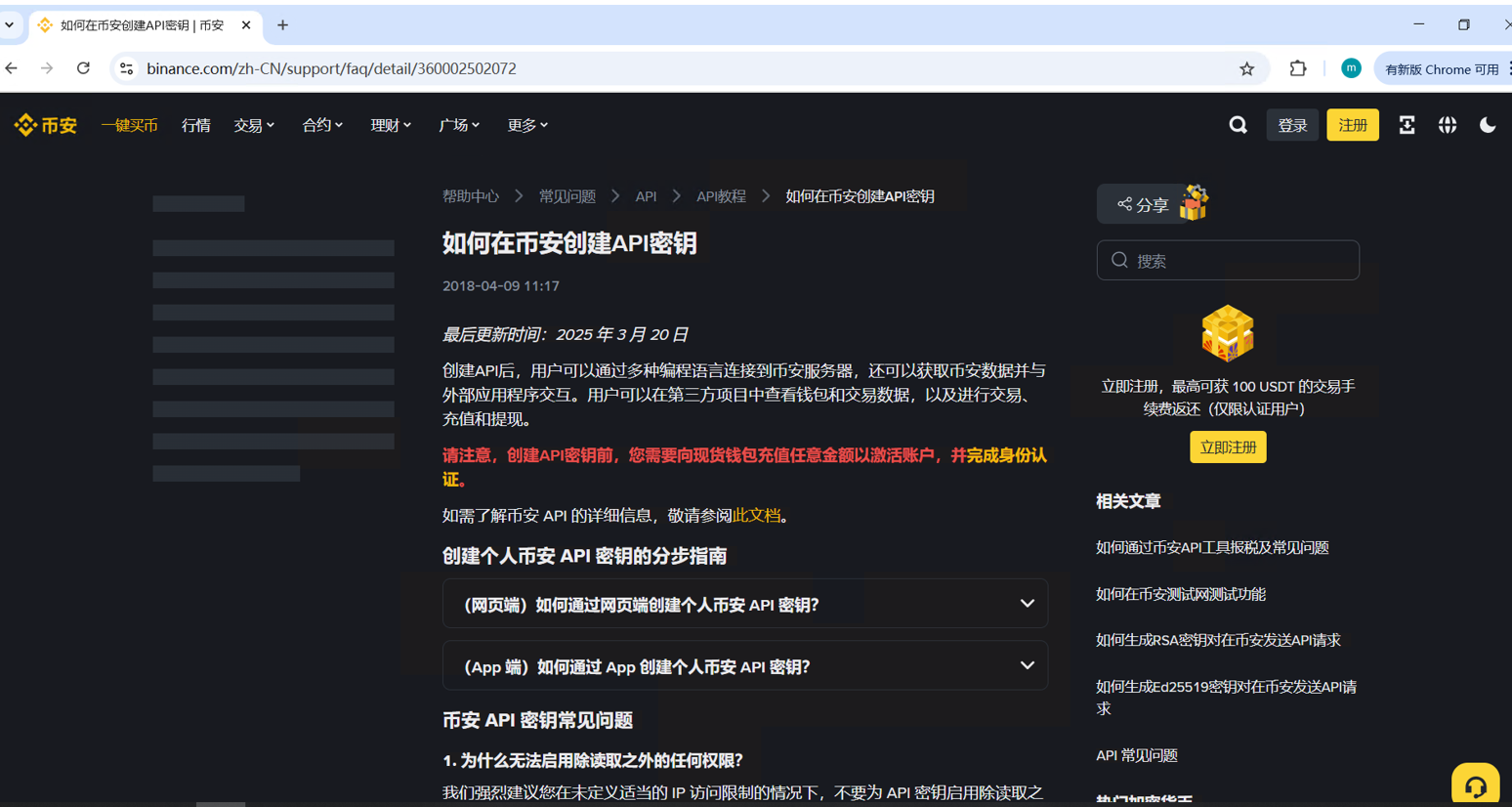
Official API reference:
https://www.binance.com/zh-CN/binance-api
Create API keys for your Binance account before using the API. Creating these keys isfree, and they must be keptstrictly confidential.
API key security
• Save your secret key immediately; it cannot be viewed again after closing the page.
• Restrict the key to an IP allowlist containing only your server addresses.
• Never share your API keys or upload them to a public repository.
• Rotate API keys regularly to help protect your account.
See the official Binance instructions for creating API keys:
https://www.binance.com/zh-CN/support/faq/detail/360002502072
After creating your keys, configure them in MT5 to access market data and trading through the Binance API.
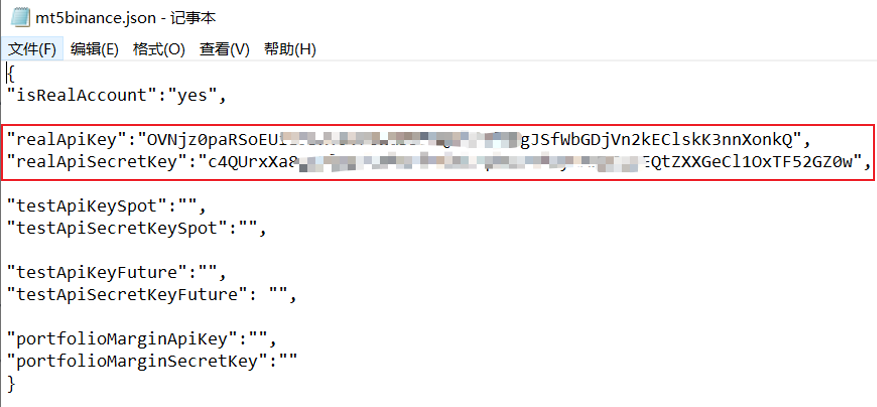
Configuration steps:
- Open MT5 and go to the Tools menu.
- Select the Binance connection settings.
- Enter your API key and secret key.
- Choose your account mode (Classic or Portfolio Margin).
- Save the configuration and connect to Binance.
After configuration, you can use MT5 to:
- View real-time Binance market data.
- Perform technical analysis with MT5 charting tools.
- Place manual orders in Binance spot and futures markets.
- Develop MQL strategies for automated EA trading.
- View account positions and order history.
Check connection status
After setup, check the connection status icon at the bottom right of MT5. Green indicates a connection; if it is red, check your API keys and network settings.
Trading workflow overview
MT5 uses your configured API keys to call the official Binance API directly,without third-party middleware, supporting direct execution and local control of your data.
Frequently asked questions
Q: Is there a fee to connect MT5 to Binance?
A: Creating Binance API keys is free, and this software provides a free connection solution without an additional software fee.
Q: How are my API keys stored?
A: Keys are stored in your local MT5 configuration and are not uploaded to a cloud server. Keep your local files secure.
Q: Which Binance products are supported?
A: Binance spot, USDⓈ-M perpetual futures and COIN-M perpetual futures, including major cryptocurrency pairs.
Q: How does the connection work?
A: MT5 connects directly to the Binance API without a third-party relay, reducing latency for quantitative strategies.
Three steps to trading Binance through MT5
① Create Binance API keys → ② Configure MT5 → ③ Start trading!
A direct connection to the official Binance API.